Ask narrowly
Use a date, round, payment type or customer segment so the answer can be checked.

Screen 9 · Reports
The reports screen combines plain-English Ask AI questions with visible pricing, customer-risk, earnings and cash-collection sections.
Real Android beta screen · demo data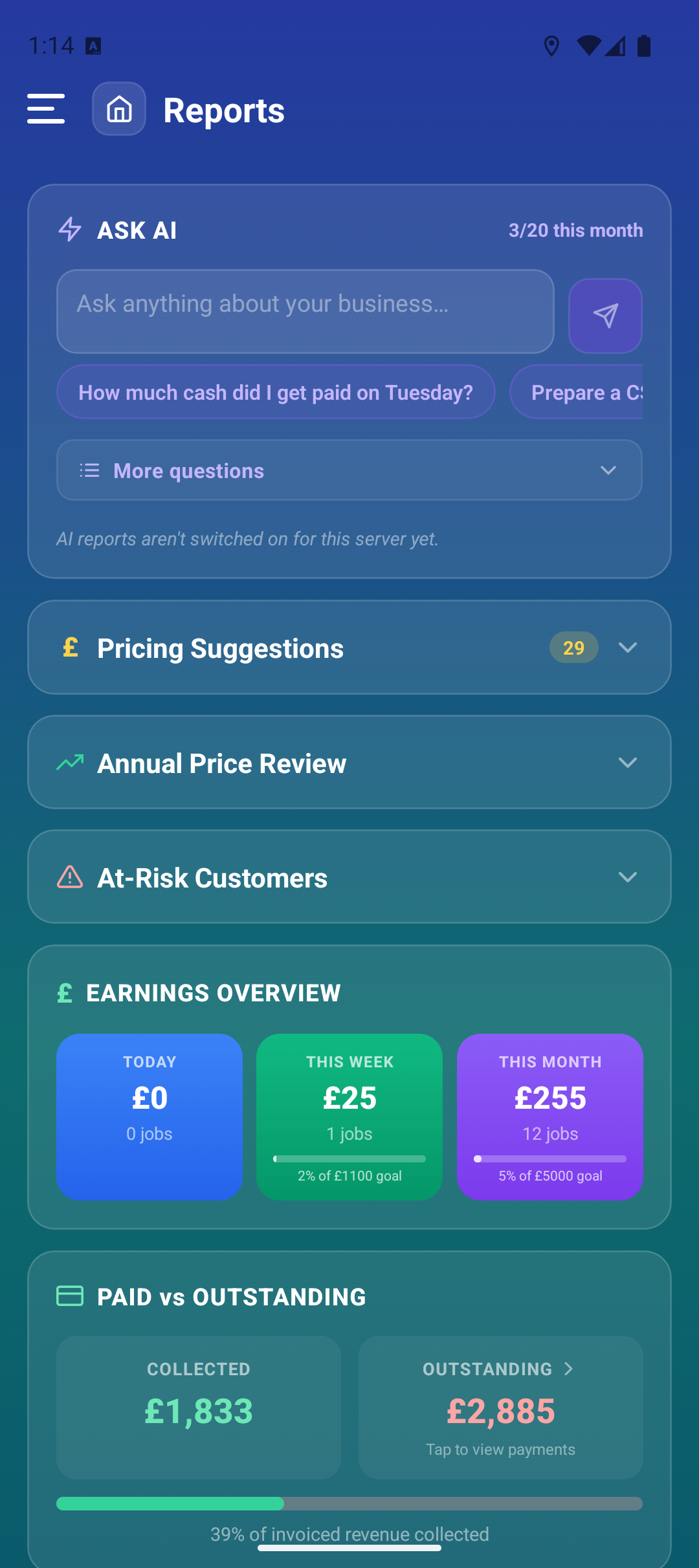
Wigton Town Centre is currently your best-performing round at £44.20 per hour, based on 18 completed jobs in the last 30 days.
Answer generated from the round’s jobs, time and earnings.The complete question and resulting answer are shown inside the phone.
How it functions
Use AI carefully
RoundRun’s AI is designed to shorten the path to useful data. It should not replace invoice checks, bank reconciliation, tax advice or a decision that needs customer context.
Use a date, round, payment type or customer segment so the answer can be checked.
Open the related invoices, jobs or payments before acting on a material answer.
A low rate may reflect access, travel, history or a deliberate customer decision.
Turn records into questions
Use copied data first, check AI answers against the underlying records and decide whether the workflow saves real admin time.